




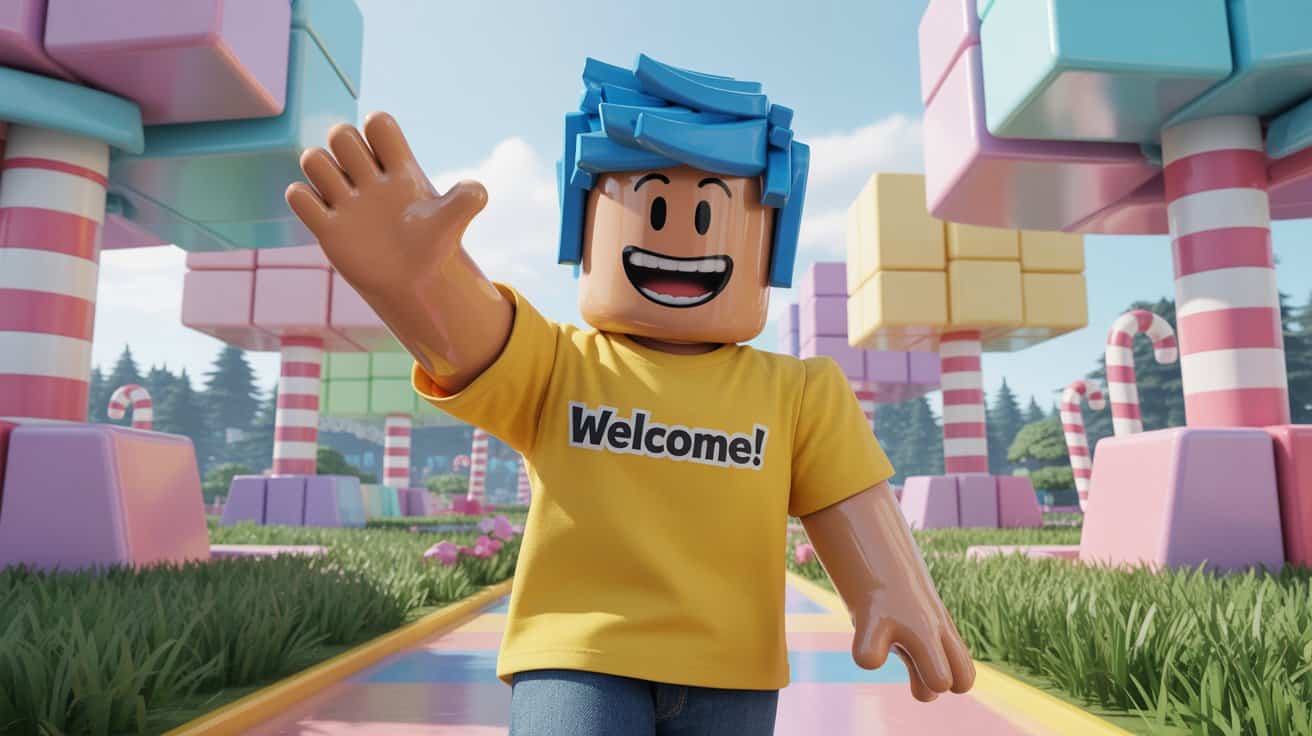
Have you heard about Roblox and wondered how to get started? You are in the right place! Roblox is an amazing online gaming platform, where millions of people from all over the world come together to create, share, and play a variety of 3D games. From exciting adventures to life simulations, there is something for everyone.
This article is a step-by-step guide that will take you from creating an account to playing your first game. Let’s start this digital adventure!
Step 1: Create Your Free Roblox Account
The first step is to create an account. The process is fast, easy, and most importantly, free. Follow these steps:
- Open your internet browser and visit the official website at www.roblox.com.
- You will see a registration form on the front page. Fill in the required data:
- Date of birth: Enter your date, month and year of birth.
- Last name: Create a unique username. Avoid using your real name to maintain privacy.
- Password: Create a strong password with a combination of letters, numbers and symbols.
- Gender (Optional): You can choose gender or leave it blank.
- Once everything is filled in, click the green “Sign Up” button. Congratulations, your Roblox account is ready!
Step 2: Downloading and Installing Roblox Player
To play the game, you need to install the “Roblox Player” app on your device. Don’t worry, this application will be downloaded automatically when you try to play the game for the first time.
- Once logged in, explore the main page and look for games that look interesting.
- Click on the game, then click the “Play” button (green play icon).
- A pop-up window will appear, telling you that Roblox Player is required. Click the “Download and Install Roblox” button.
- Save and run the downloaded installer file. Follow the on-screen instructions until the installation is complete.
This process applies to both PC and Mac. If you are using a phone or tablet (iOS/Android), just download the “Roblox” app from the App Store or Google Play Store.
Step 3: Exploring the World of Roblox
Once the installation is complete, you are ready to play! Here are some of the first things you can do:
- Avatar Customization: Click the “Avatar” menu to change your character’s appearance. You can change clothes, hair and accessories for free to show your style.
- Search Games: Use the search bar at the top or browse the categories on the “Discover” page to find a game that suits your taste.
- Basic Controls: On PC, use the buttons W, A, S, D to move, space to jump, and mouse to look around. On mobile devices, there will be a virtual joystick on the screen.
Also Read: 5 Fun and Creative Activities with Family at Home
Important Safety Tips for Parents and Players
Gaming should always be a fun and safe experience. Roblox provides various features to protect its users:
- Chat Privacy: You can manage who can send you messages or chat with you in the game via the Settings > Privacy menu.
- Parental Controls: Parents can enable this feature to limit their child’s interactions and access to age-appropriate games.
- Report & Block: If you encounter a player who is behaving inappropriately, you can easily block or report them to the Roblox moderation team.
For more detailed information about security features, you can visit the official help page Roblox Parents Guide.
Conclusion: Adventure Awaits
Playing Roblox is easy and opens the door to a world of limitless creativity. By following this guide, you are now ready to explore millions of games, meet new friends, and maybe even be inspired to create your own game someday. Have a nice play!
News
Berita Teknologi
Berita Olahraga
Sports news
sports
Motivation
football prediction
technology
Berita Technologi
Berita Terkini
Tempat Wisata
News Flash
Football
Gaming
Game News
Gamers
Jasa Artikel
Jasa Backlink
Agen234
Agen234
Agen234
Resep
Cek Ongkir Cargo
Download Film
Originally posted 2025-12-08 05:59:58.